Clipboard Doctor vs TextSniper
Both read text out of images on your Mac, on-device and private — but they're built for different jobs. TextSniper is a paid capture tool: draw a box over anything on screen and it grabs the text into your clipboard. Clipboard Doctor is a free clipboard manager that runs OCR on every screenshot you copy and keeps them searchable — in Arabic and English — so you can find one weeks later by the words inside it.
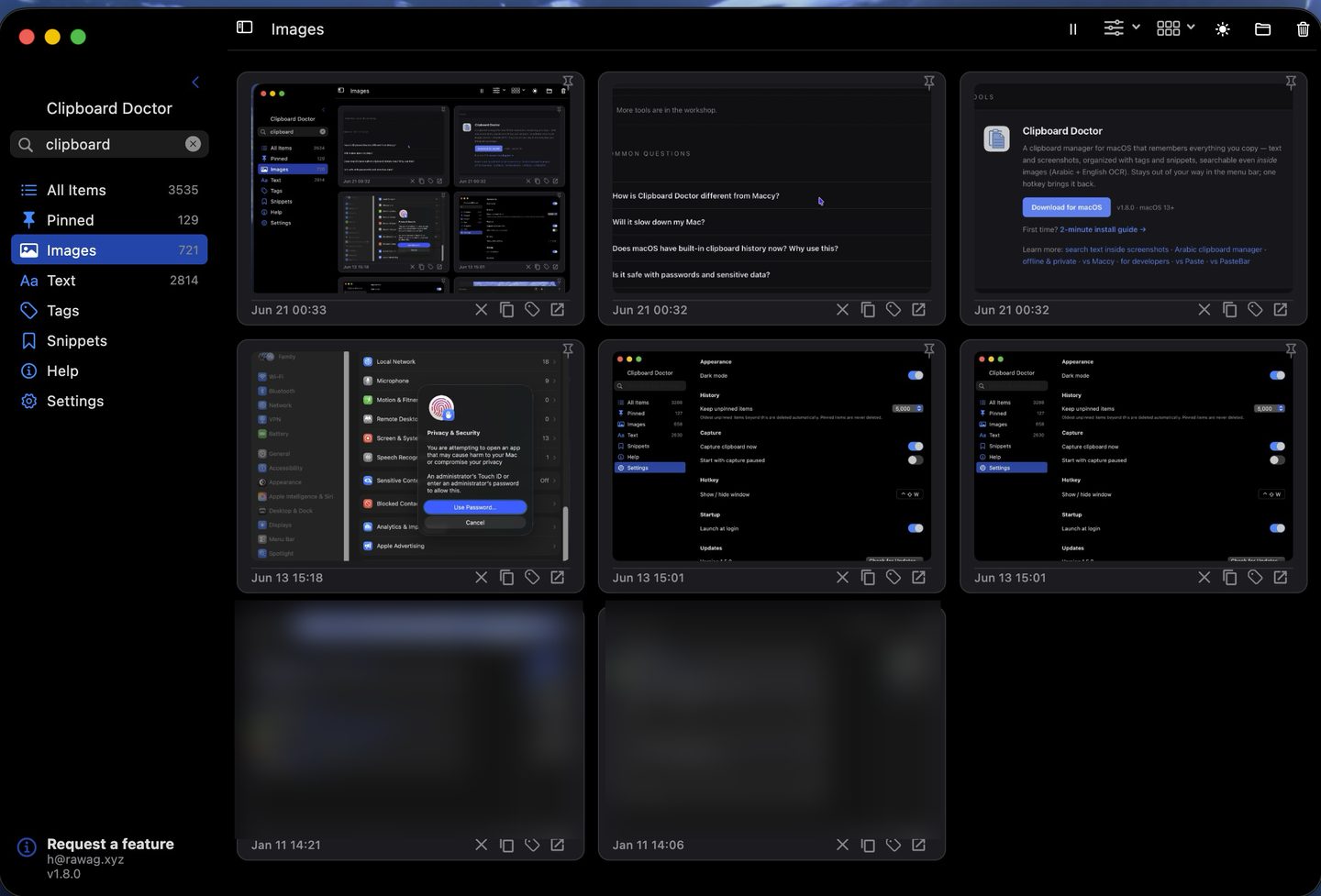
Short answer: If you need to pull text off the screen on demand — including text you can't select, like a video frame or another app's UI — TextSniper is purpose-built for exactly that. If you want the screenshots you copy to be remembered and searchable by the text inside them, for free, Clipboard Doctor is built for that. They solve different problems, and many people run both.
Feature comparison
| Feature | Clipboard Doctor | TextSniper |
|---|---|---|
| Price | Free | Paid — one-time (~$8) or via Setapp |
| On-device OCR (Apple Vision) | Yes | Yes |
| Works offline · no account | Yes | Yes |
| Reads Arabic in images | Yes | Yes (Vision) |
| Grab text from any screen region (non-copyable UI, video) | No — only what you copy | Yes — its core job |
| Keeps a searchable history of what you copied | Yes | No — capture only |
| Search screenshots by text inside, weeks later | Yes | No |
| Full clipboard manager (text + image history) | Yes | No |
| Tags, snippets, pinning | Yes | No |
| Barcode / QR reading · text-to-speech | No | Yes |
| Global hotkey | Yes (⌃⇧W) | Yes |
| macOS requirement | macOS 13+ | Recent macOS |
Where TextSniper wins
TextSniper is a genuinely good tool at one thing: grabbing text off the screen right now. Because it captures a region you draw rather than something you copied, it reads text you otherwise couldn't get at — a still from a video, a greyed-out field, a label baked into another app's interface, a screenshot someone sent you. It also reads barcodes and QR codes and can speak captured text aloud. If your need is "get the words out of this thing on my screen this second," that's TextSniper's home turf, and Clipboard Doctor doesn't try to replace it.
Where Clipboard Doctor wins
The divide is history. TextSniper hands the text to your clipboard and its job is done — it keeps nothing you can search later. Clipboard Doctor is a clipboard manager first: every screenshot you copy is retained in a searchable grid, OCR runs over each one automatically, and the text becomes findable forever. So the receipt, the error message, or the Arabic invoice you copied last month is one search away — no re-capturing, no re-typing.
It's also free, and it does the OCR passively across your whole copy history rather than one grab at a time, with Arabic and English recognized together and full right-to-left handling. On top of that it's a real clipboard manager — text and image history, tags, reusable snippets, and pinning — which a capture utility isn't meant to be.
Download Clipboard Doctor — freemacOS 13+ · 2-minute install guide
Questions
Is Clipboard Doctor a free alternative to TextSniper?
It's free, but it does a different job. TextSniper is a capture tool: you draw a box over any part of the screen and it grabs the text into your clipboard. Clipboard Doctor is a clipboard manager: it runs OCR on every screenshot you copy and keeps them searchable forever. If what you actually want is your copied screenshots to be findable by the text inside them, Clipboard Doctor covers that for free. If you specifically need to grab text off the screen on demand, TextSniper is built for that.
Can TextSniper grab text that Clipboard Doctor can't?
Yes. TextSniper captures any region of the screen, including text you can't select or copy — a frame of a video, a disabled field, another app's UI. Clipboard Doctor only OCRs images you actually copy to the clipboard, so if the text was never copied, it isn't in your history. For on-demand screen grabbing, TextSniper is the right tool.
Do both keep my data private?
Yes. Both run OCR with Apple's on-device Vision framework, need no account, and work fully offline — nothing is sent to a server. Clipboard Doctor makes zero outbound connections during normal use, which you can verify with Little Snitch.
Does TextSniper keep a searchable history?
No. TextSniper is a capture utility — the extracted text goes to your clipboard and it's up to you to paste or save it; it doesn't retain a history you can search later. Clipboard Doctor keeps every copied screenshot and its OCR text in a searchable grid, so you can find something you copied weeks ago by a phrase inside it.
Do they both handle Arabic text?
Both build on Apple's Vision OCR, which recognizes Arabic, so each can read Arabic in an image. The difference is the workflow: TextSniper reads a region you select right now; Clipboard Doctor automatically OCRs and indexes every screenshot you copy — Arabic and English together — so a mixed Arabic-English chat or an Arabic invoice stays searchable in your history.
Can I use both at the same time?
Yes — they don't conflict, because they solve different problems. Plenty of people run TextSniper for on-demand grabs from non-copyable regions and Clipboard Doctor as the searchable history of everything they copy.
Also see: search text inside screenshots · copy text from an image · clipboard manager with OCR