Install Clipboard Doctor on macOS
Clipboard Doctor is built and signed by a solo developer. It is intentionally not notarized through the Apple Developer Program — that program costs $99/year and adds nothing to the app's safety; the full source of trust here is that one person builds it, ships it, and uses it daily. macOS will ask you to confirm the first launch once. That's all.
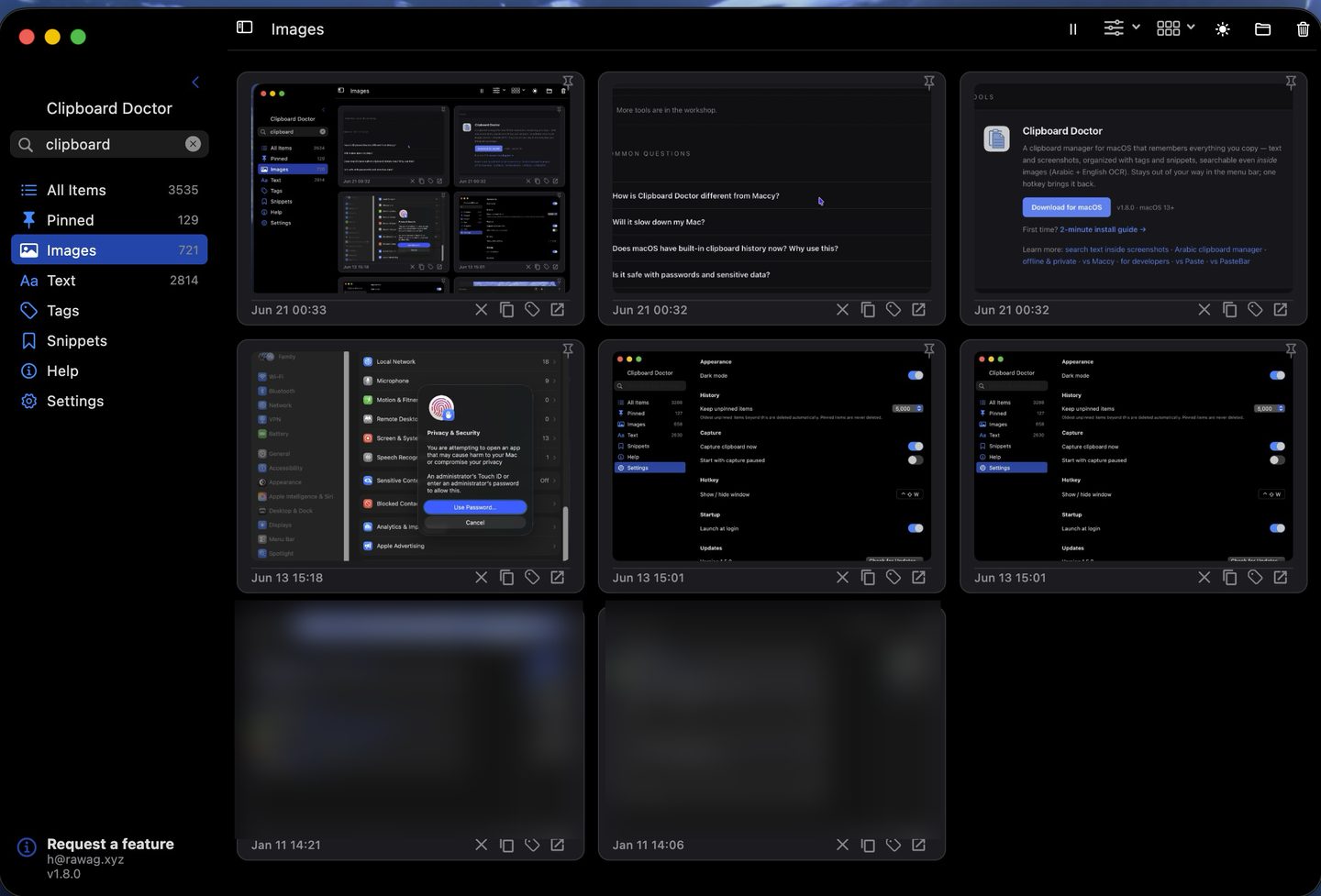
What you're installing: your clipboard history — text and screenshots — searchable even by the words inside an image, all kept on your Mac.
Step 1 — Download & open the DMG
Download for macOSDouble-click the downloaded ClipboardDoctor-x.y.z.dmg.
Step 2 — Drag to Applications
Drag the Clipboard Doctor icon onto the Applications folder shortcut in the DMG window.
Step 3 — First launch (pick either path)
macOS guards apps from outside the App Store on first launch. Approve Clipboard Doctor once using whichever path fits your macOS version — after that it opens normally forever.
- Open Applications in Finder.
- Right-click (or Control-click) Clipboard Doctor → Open.
- In the dialog, click Open again. Done — macOS remembers this forever.
On macOS 15 Sequoia and later, the right-click shortcut no longer bypasses Gatekeeper — use this path.
- Double-click Clipboard Doctor once (macOS shows a warning — dismiss it).
- Open System Settings → Privacy & Security.
- Scroll down to the message "Clipboard Doctor" was blocked…
- Click Open Anyway, then confirm with Open (and Touch ID / password if asked).
Questions
Is Clipboard Doctor on the Mac App Store?
No — it's a free direct download (a signed DMG), not an App Store app. It's built by one developer who chose not to pay into Apple's paid programs, which add nothing to the safety of a free, on-device tool. Downloading it is safe: the app is signed, everything it does stays on your Mac, and nothing is uploaded — macOS just asks you to approve the first launch once, using the steps above. Prefer the App Store for automatic updates? Clipboard Doctor updates itself in-app, so new versions still arrive on their own.
Why isn't it notarized?
Notarization means paying Apple $99/year for the Developer Program. Clipboard Doctor is a free tool from one person, and notarization adds nothing to its safety — the real source of trust is that the same person builds it, ships it, and runs it every day. macOS just asks you to confirm the first launch once.
Is this safe?
Yes. The app is ad-hoc signed, and everything it does stays on your Mac — your clipboard history is never uploaded. See the privacy page for the full, plain-language details.
Which macOS versions?
macOS 13 (Ventura) and later, including the current macOS 26 (Tahoe).