Clipboard Doctor vs Flycut
Both are free Mac clipboard managers that keep your history locally, need no account, and are built for the keyboard. The difference is what they hold: Flycut is an open-source, text-only clippings tool — a descendant of Jumpcut, beloved by developers. Clipboard Doctor also keeps the screenshots you copy and runs on-device OCR so you can search the text inside them, in Arabic and English.
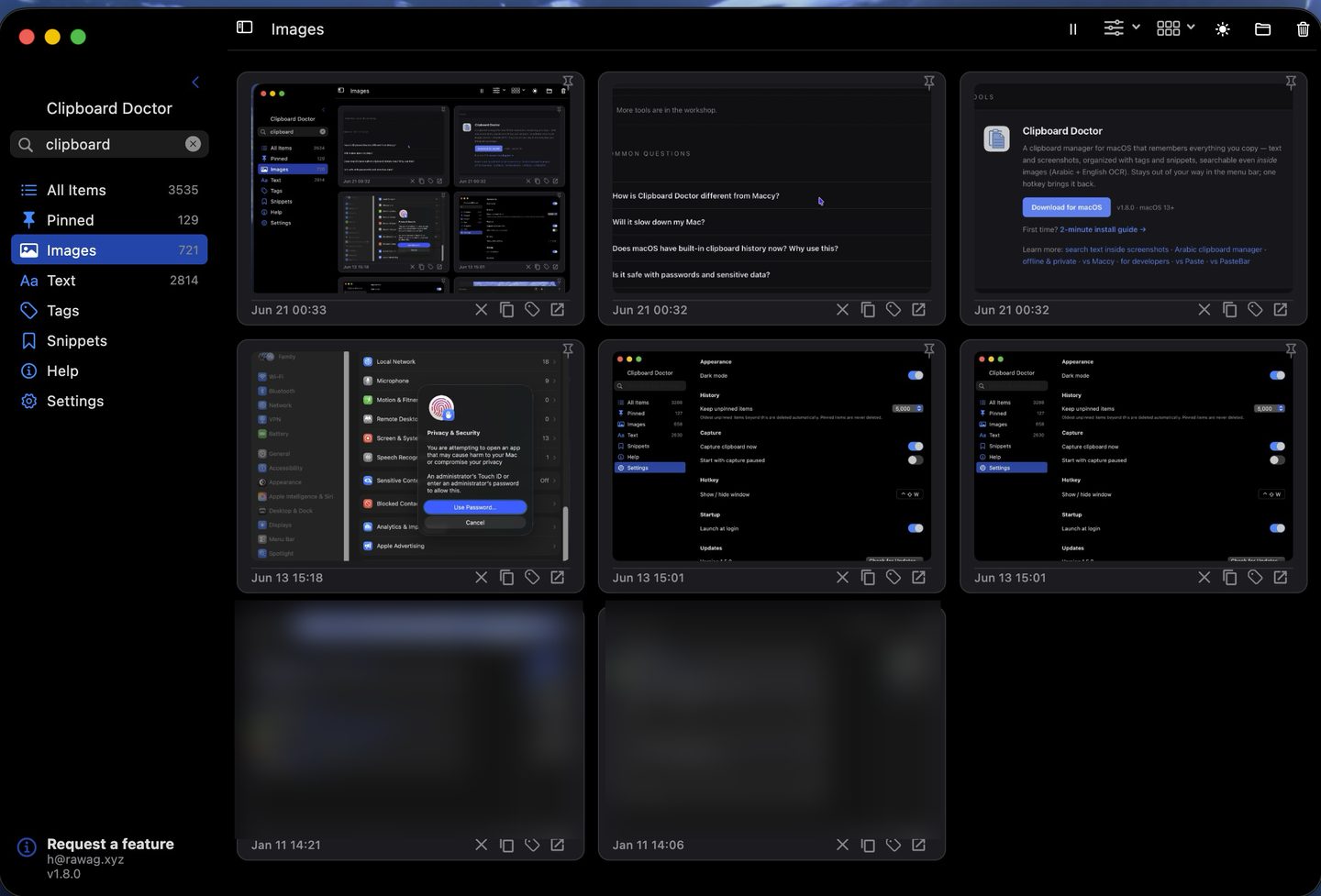
Short answer: If you only ever copy text and code and want a tiny, open-source tool you can audit, Flycut is a great, proven pick. If you also copy screenshots and want to find them later by the words inside — in Arabic, English, or both — Clipboard Doctor is built for that.
Feature comparison
| Feature | Clipboard Doctor | Flycut |
|---|---|---|
| Price | Free | Free |
| Open source | No | Yes (MIT) |
| Text clipboard history | Yes | Yes |
| Image / screenshot history | Yes | No — text clippings only |
| Search text inside screenshots | Yes — on-device OCR | No |
| Arabic OCR | Yes | No |
| Search box | Yes | Yes — text only |
| Account required | None | None |
| Cloud sync | No — local only | No — local only |
| Pinning / favorites | Yes | Favorites |
| Tags and snippets | Yes | No |
| Global hotkey | Yes (⌃⇧W) | Yes (⇧⌘V) |
| macOS requirement | macOS 13+ | Runs on older macOS too |
Where Flycut wins
Flycut is open source under the MIT license, so you can read every line yourself, and it's built on Jumpcut — one of the longest-running clipboard tools on the Mac. It's tiny, keyboard-first, filters out password fields, and is available free on the Mac App Store. If your clipboard use is entirely text and code, and a small auditable tool that runs on older macOS is what you want, Flycut is a solid, no-nonsense choice.
Where Clipboard Doctor wins
The clearest divide is images. Flycut, following its Jumpcut heritage, stores text clippings only — copy a screenshot and it isn't kept. Clipboard Doctor keeps every image you copy in a searchable grid and runs on-device OCR over each one, so you can find a screenshot weeks later by a phrase that appears inside it. It also adds tags and reusable snippets on top of the plain history.
The second divide is language. Clipboard Doctor enables Arabic and English recognition simultaneously, with full right-to-left handling — so a screenshot of an Arabic invoice or a mixed Arabic–English chat becomes findable by its text. Flycut has no OCR at all, so none of that applies to it.
Download Clipboard Doctor — freemacOS 13+ · 2-minute install guide
Questions
Can I use both at the same time?
Technically yes, but two clipboard managers listening simultaneously can cause duplicate entries or conflicts. Most people pick one. If you're evaluating, install one, use it for a week, then switch if needed.
Does Flycut store images or screenshots?
No. Flycut is a text-clippings manager descended from Jumpcut — it keeps plain-text (and lightly formatted) clippings only, so images and screenshots you copy aren't saved. Clipboard Doctor keeps the images too and runs OCR so you can search the text inside them.
Is Clipboard Doctor's storage as private as Flycut's?
Yes. Both store history locally in a sandboxed container, need no account, and don't sync to the cloud. Clipboard Doctor makes zero outbound connections during normal use — you can verify this with Little Snitch.
Does Clipboard Doctor work on older macOS like Flycut?
No — it requires macOS 13 (Ventura) or later to use the Vision OCR APIs it relies on. If you're on an older macOS, Flycut remains a solid text-history option while you plan your OS upgrade.
Also see: search text inside screenshots · offline & private · Arabic clipboard manager